Ask Studio
Ask your database. Keep the answer.
Ask ClickHouse or Postgres in plain English; the answer is a dashboard that keeps answering as the data moves.
Support that never sleeps and answers only from what you gave it.
Built from the knowledge you give it, answering visitors around the clock with no one watching it.
Chat Studio draws only on the knowledge you hand it — your pages and documents, with the data Minimal already serves joining as a second channel in December 2026 — never the model’s general knowledge. Ten personas at launch set the voice and the boundary: support, sales, docs, onboarding, HR and more.
persona → knowledge → publish → one line on your site

One assistant, start to finish
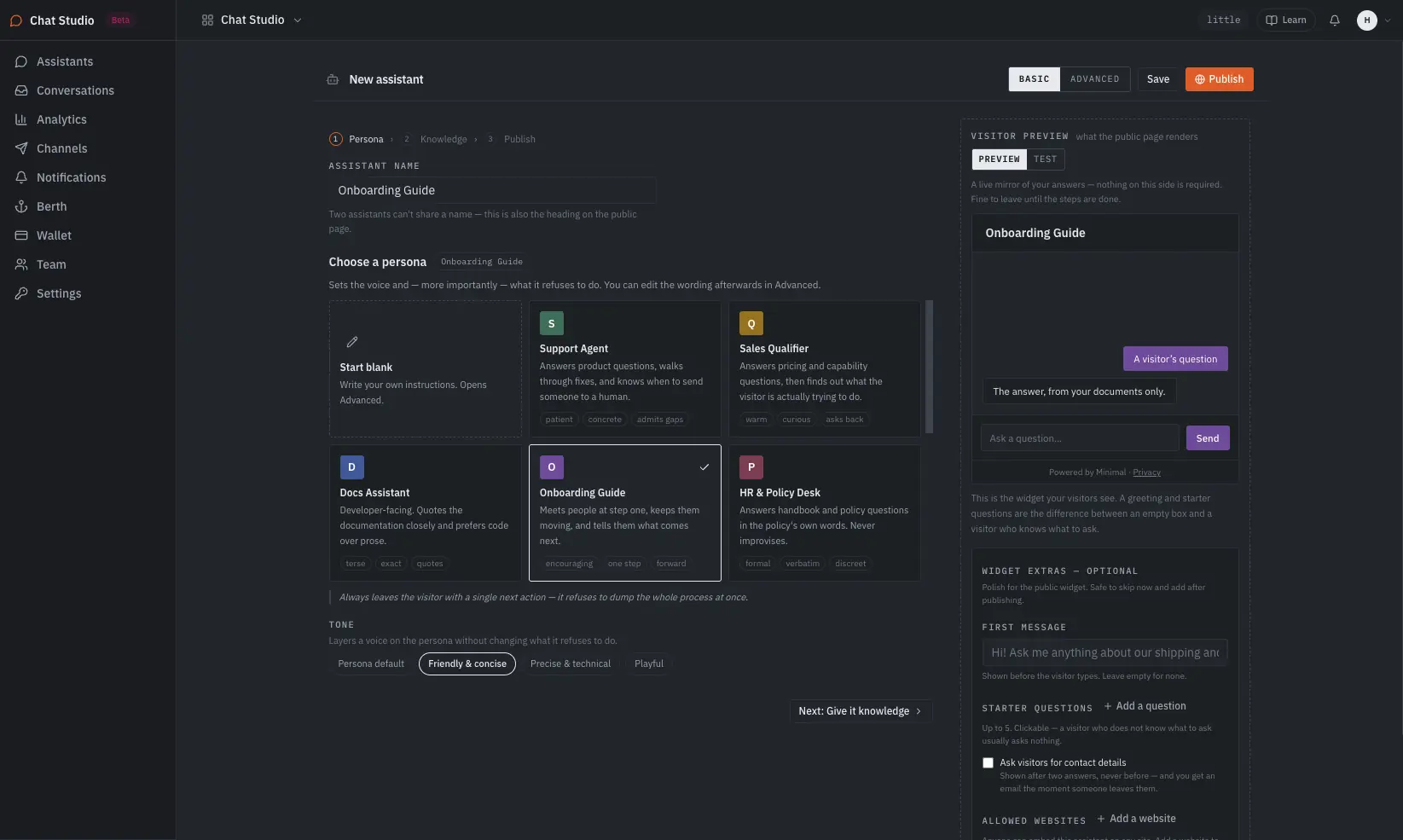
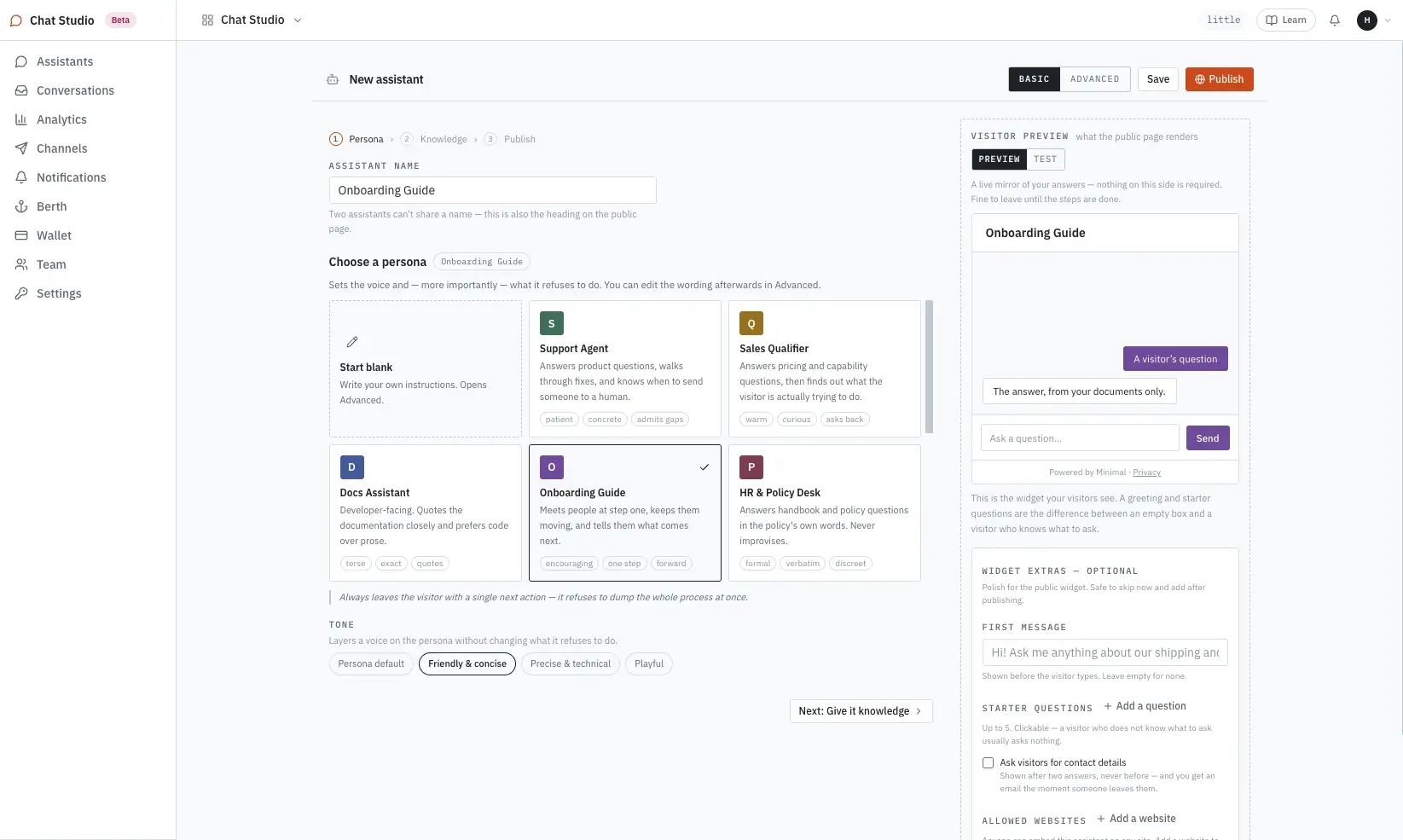
Three steps, in the order the studio walks you through them. The example the product ships with: a Support Agent answering shipping and returns questions.
Support Agent: patient, concrete, admits gaps. It answers product questions, walks through fixes, and knows when to send someone to a human. Tone layers on top — friendly & concise, precise & technical, playful — without changing what it refuses.
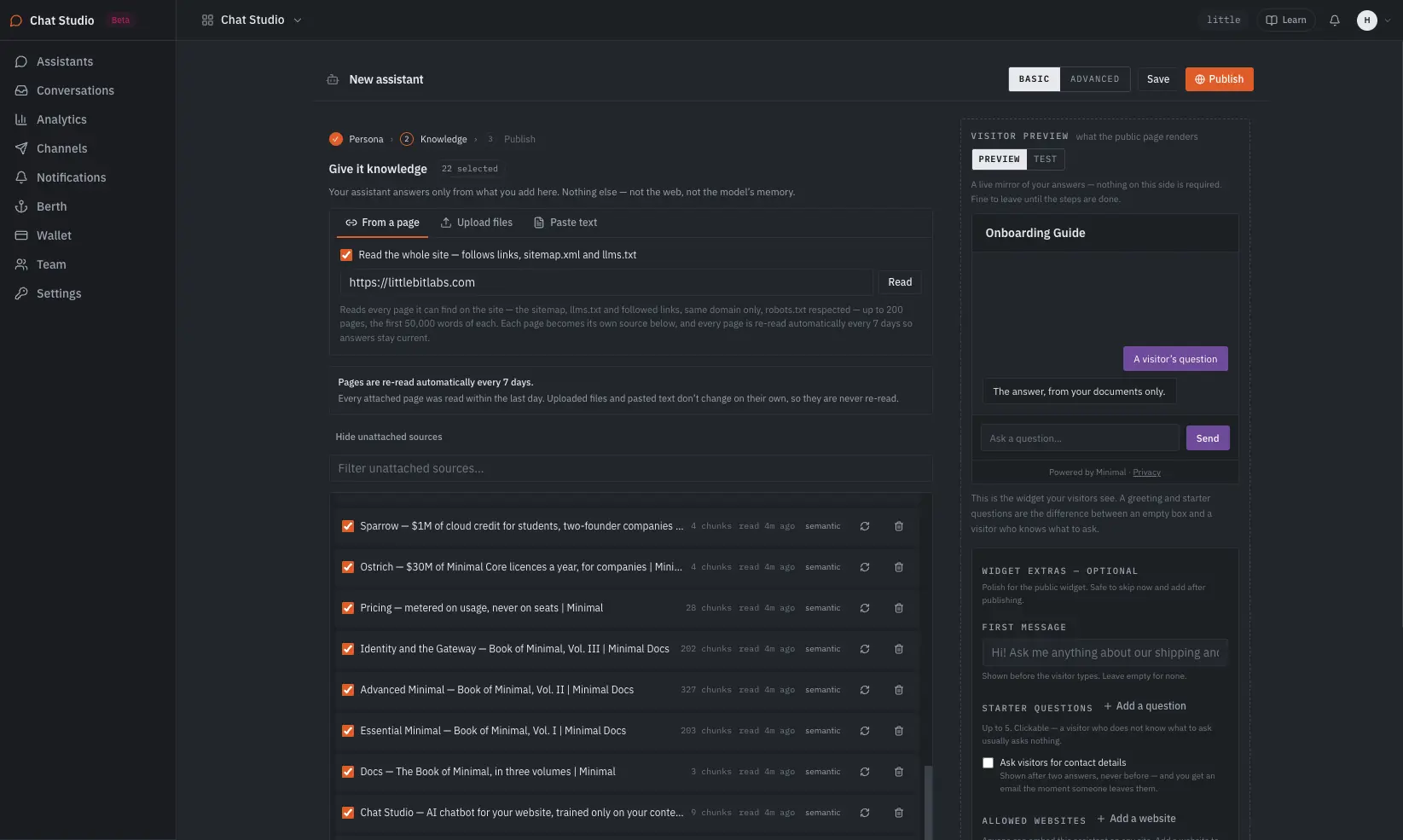
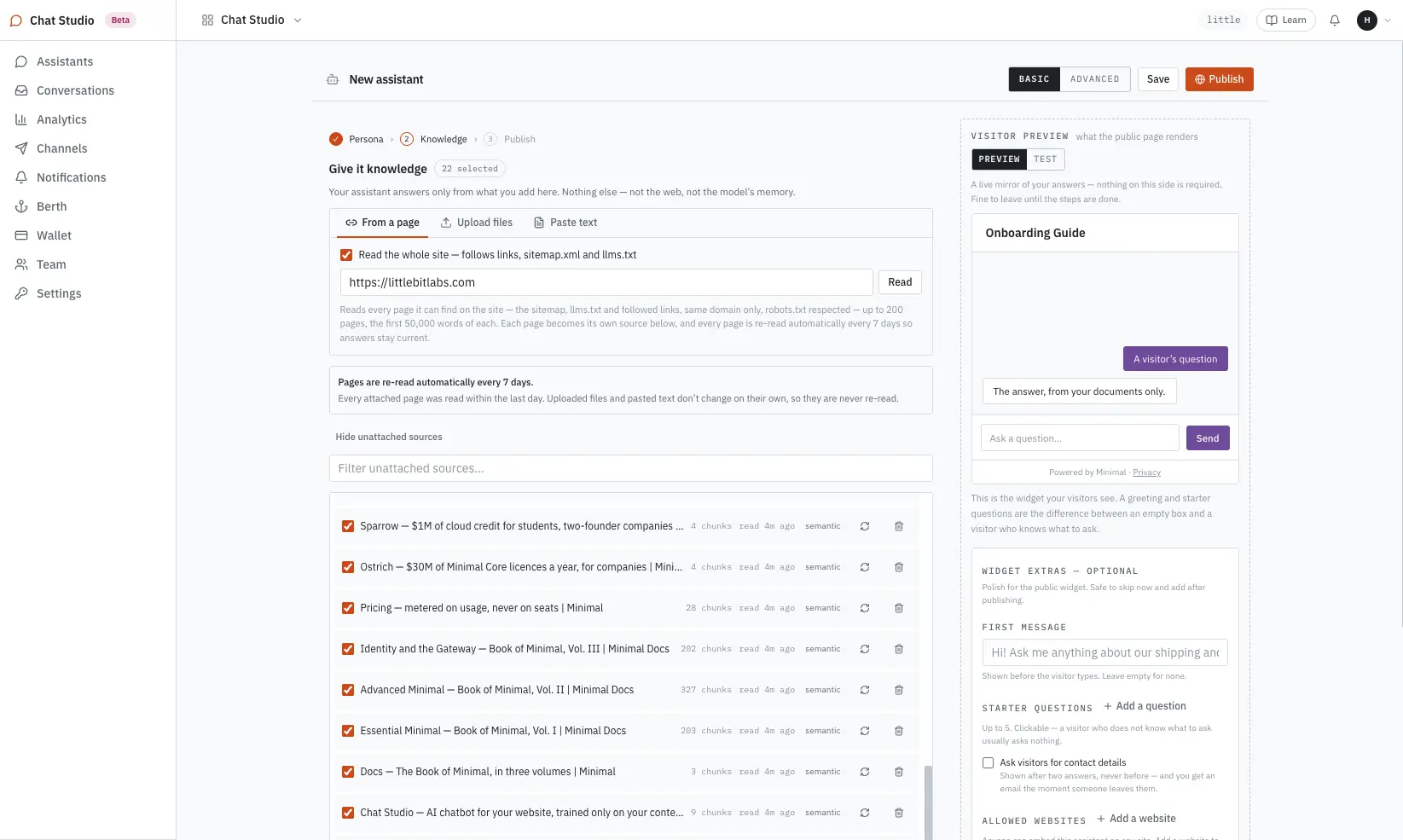
Paste a site’s address and tick “Read the whole site”: Minimal follows the sitemap, llms.txt and links on the same domain, up to 200 pages and the first 50,000 words of each. One page on its own gives its first 2,000 words; uploads take .txt, .md, .pdf and .docx up to 20MB each; pasted text works too.
Publishing gives you two things: a public link on your workspace domain, and an embed snippet — one line, on any page you control, whatever it’s built on: WordPress, Shopify, Webflow, or hand-rolled HTML. Nothing is visitor-reachable until you publish. Test a real question in the preview first, not in the abstract.
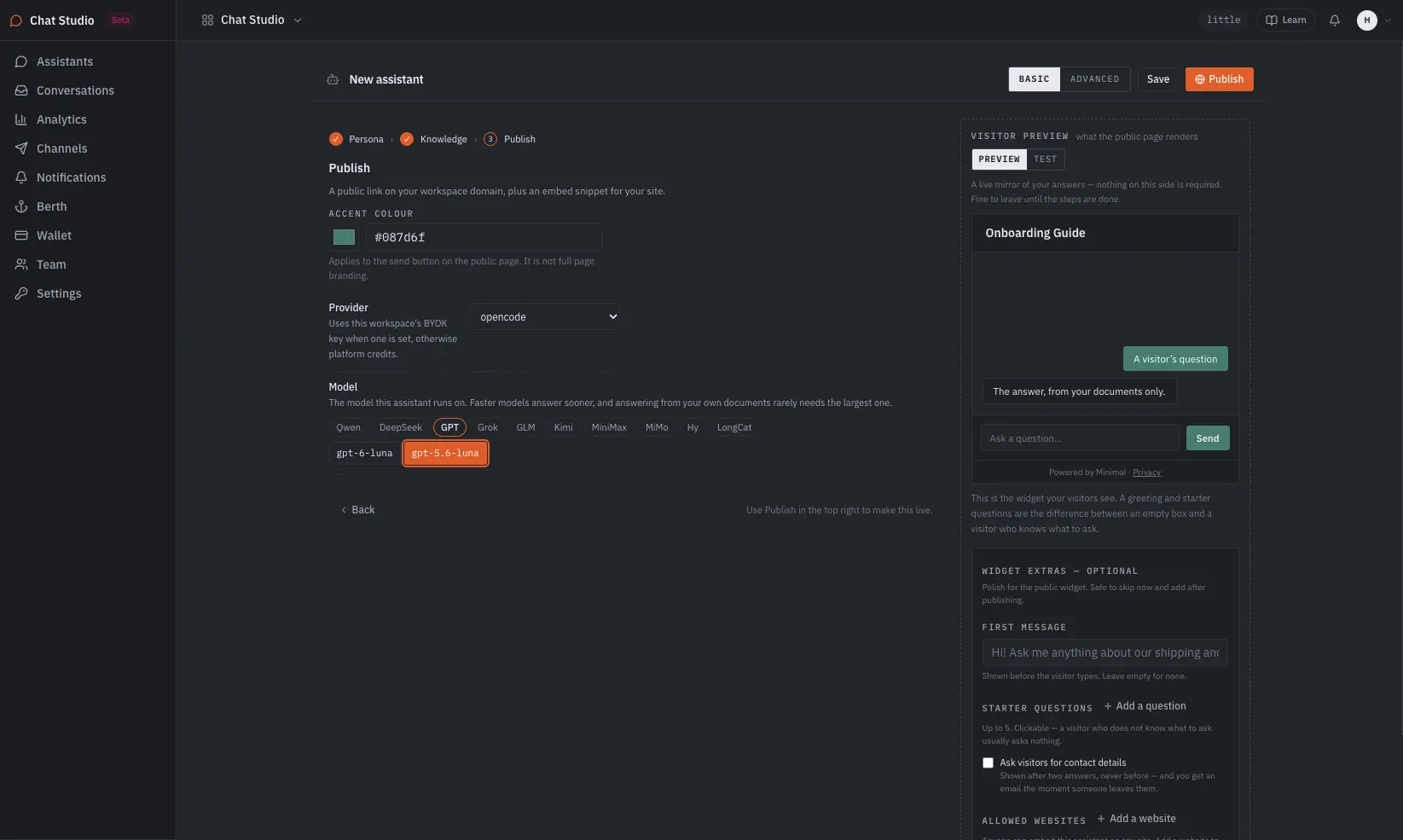
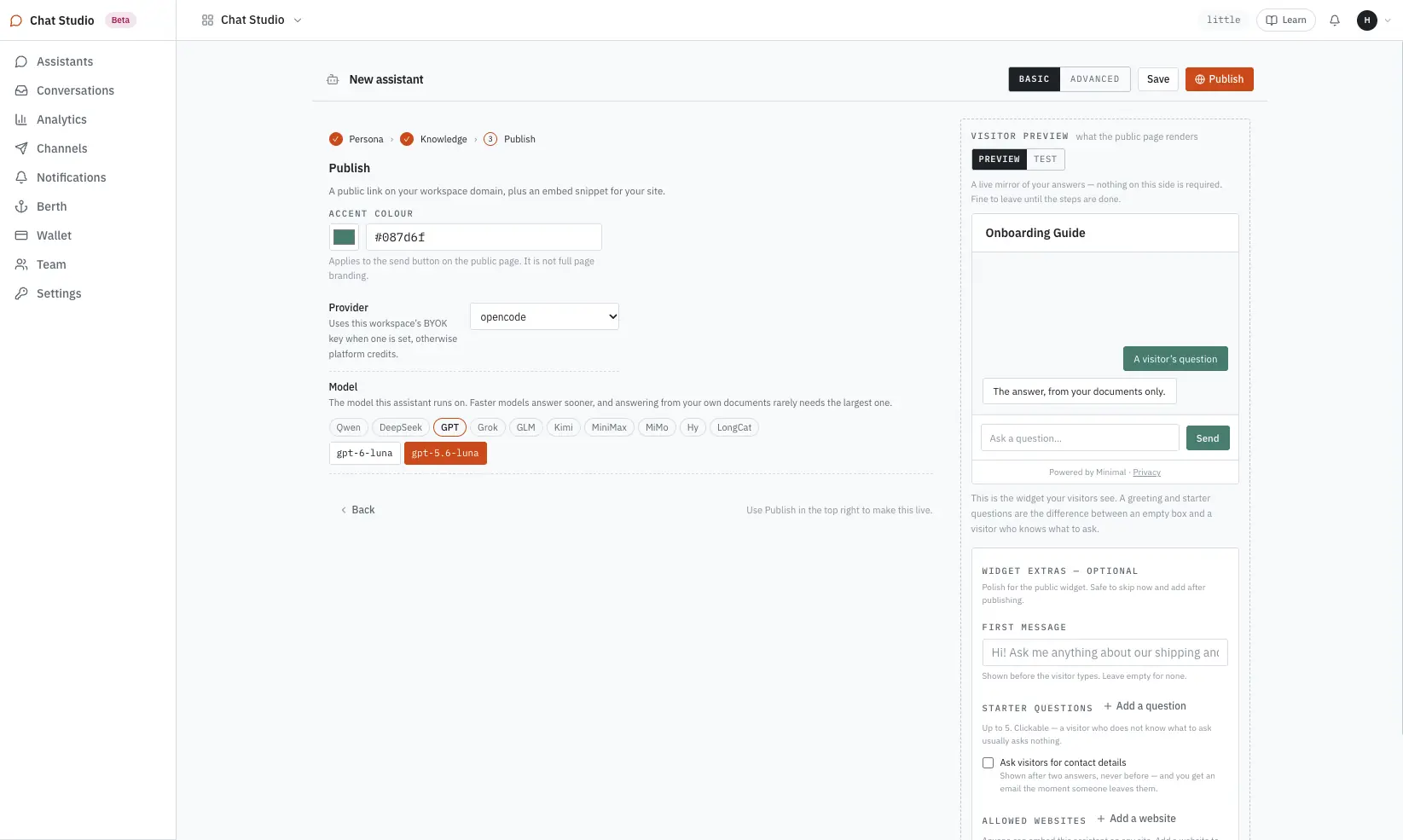
Every answer traces to a source you added. There are two kinds.
Exclusive knowledge — what you hand it.
Website pages, uploaded documents, pasted text. Read when added, listed as sources, refreshed one by one on your say-so.
Minimal-served data — what already runs. Public December 2026
The tables and APIs the layer serves for your agents, apps and dashboards, answered over live — no copy made, and the same permissioning applies. In private use today; opens to every Chat Studio account in December 2026.
What it never says. Anything outside those sources. When the answer is not in the knowledge, it says so — and with contact capture on, asks where to send the follow-up instead of guessing.
What stays yours. Authentication for your users, third-party integrations, and any action beyond answering — refunds, bookings, writes to your systems. An assistant that must act on your data is an Agent Studio job.
Where the knowledge and conversations live: see Security and Transparency.
Bring your own key
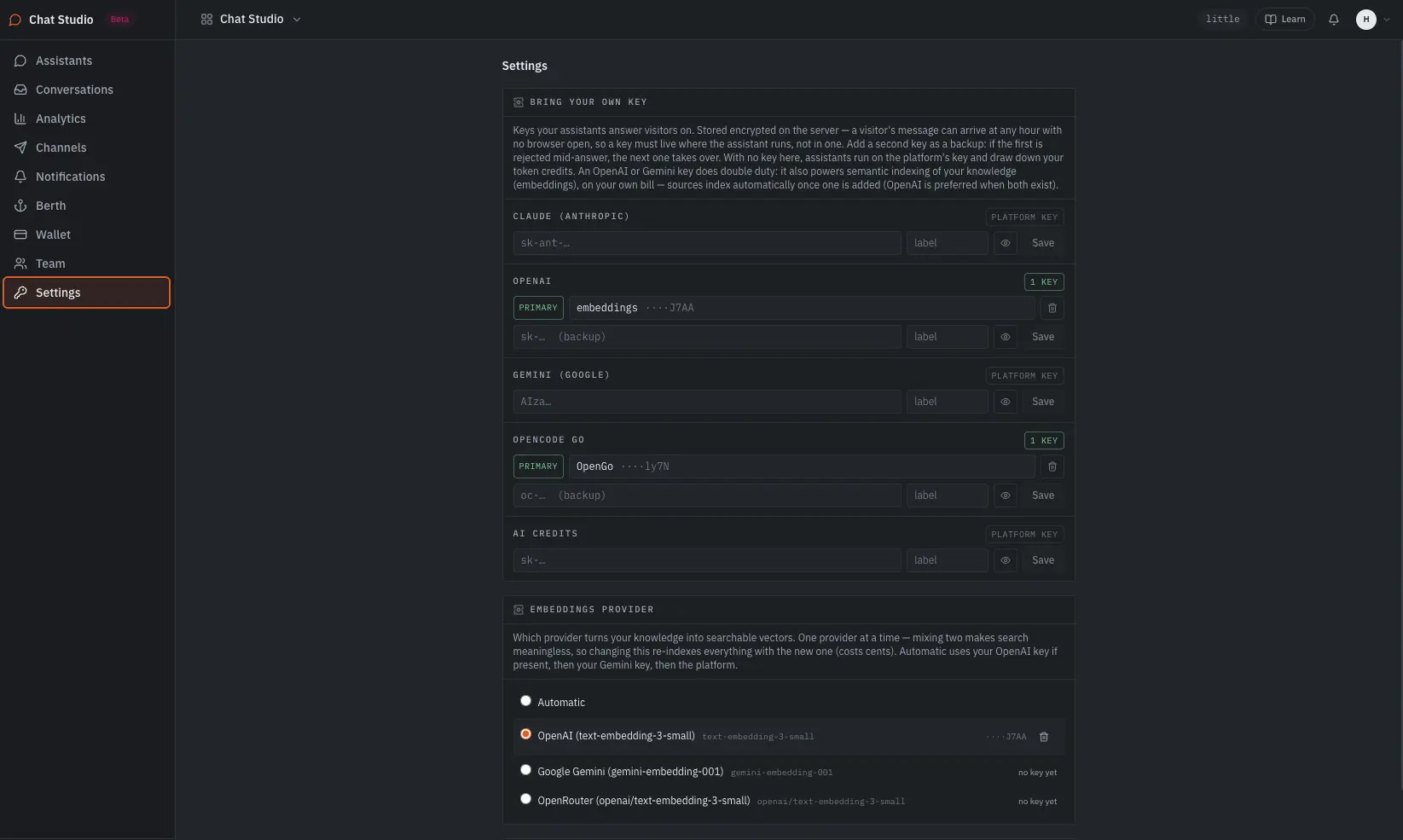
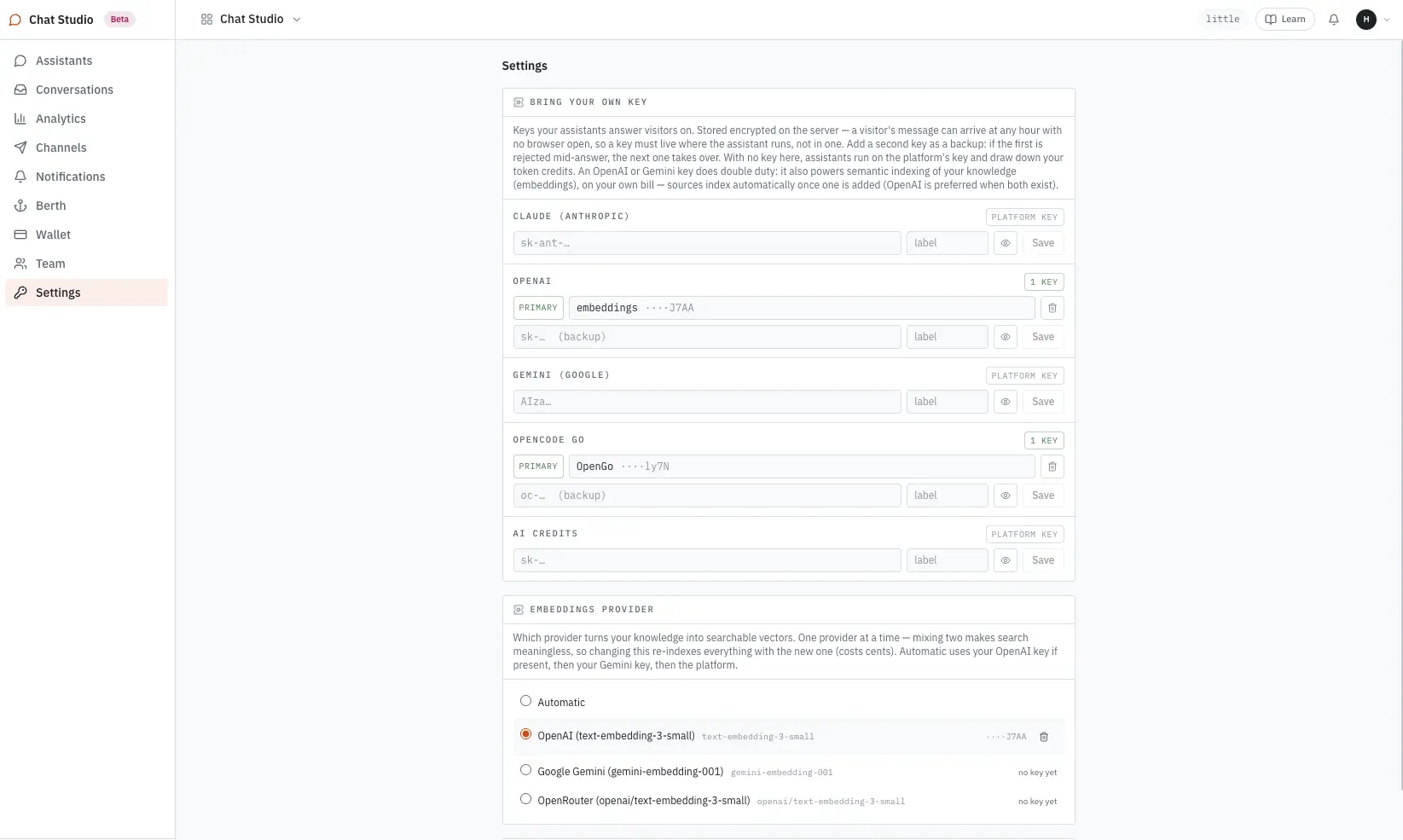
Assistants answer on keys you bring — Claude, OpenAI, Gemini, or the open models through OpenCode GO. Model usage lands on your own provider account at the provider’s price, so the AI line is one you already control. Every assistant runs on a key you add.
Channels
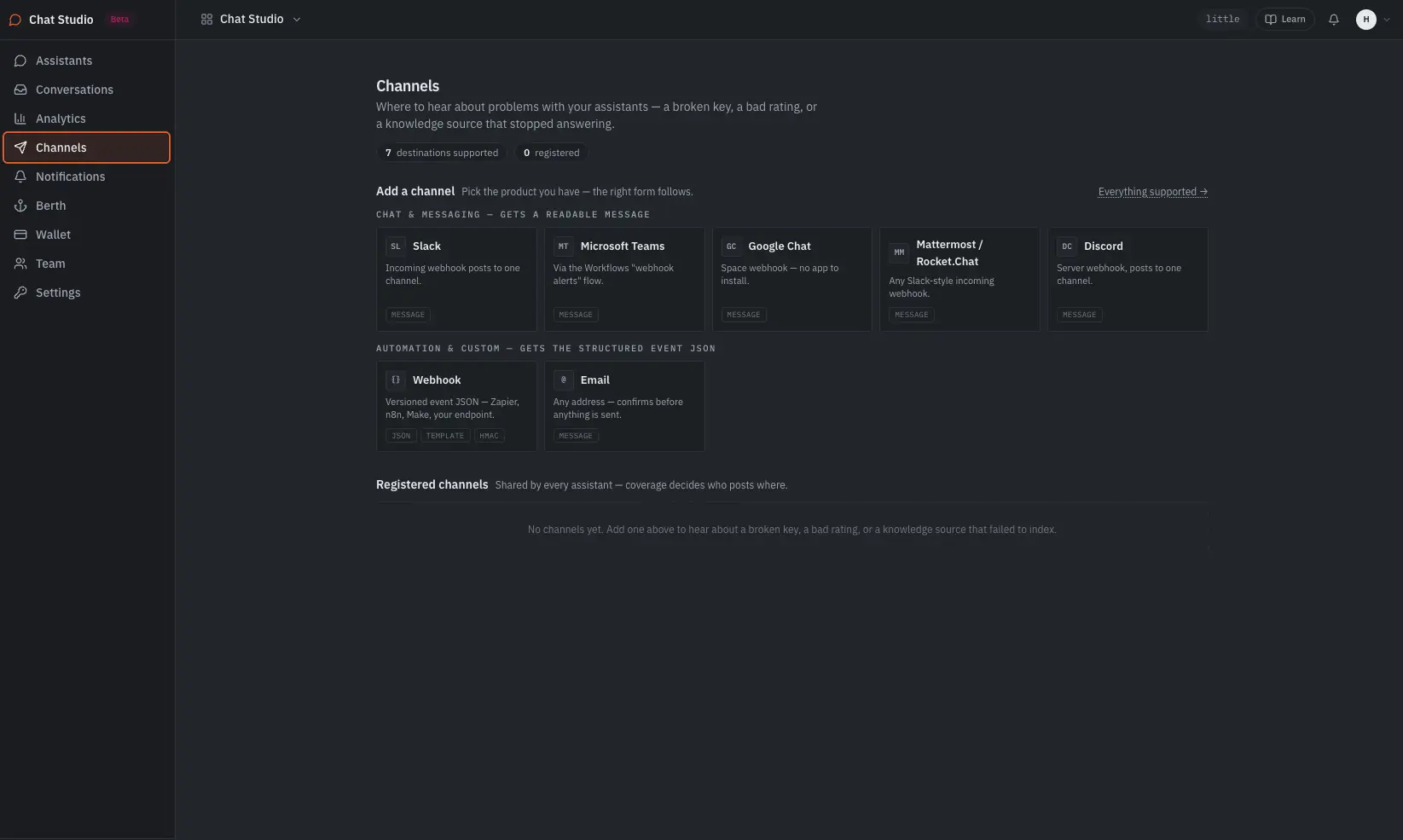
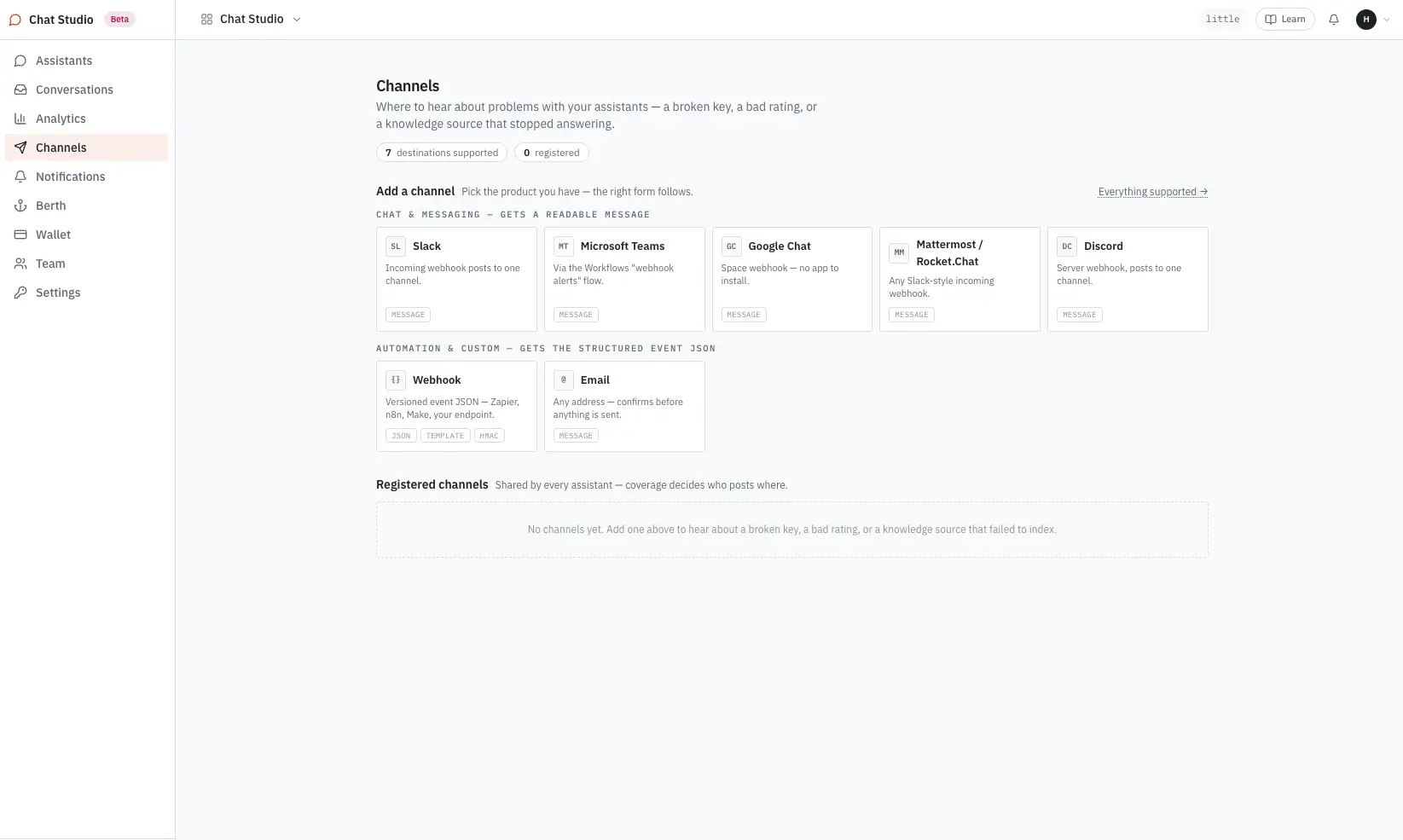
Channels are for you, not visitors — a broken key, a bad rating, a knowledge source that stopped answering. Slack, Microsoft Teams, Google Chat, Mattermost / Rocket.Chat and Discord get a readable message. A webhook gets versioned event JSON — Zapier, n8n, Make or your own endpoint, HMAC-signed. Email confirms before anything is sent.
After it is live
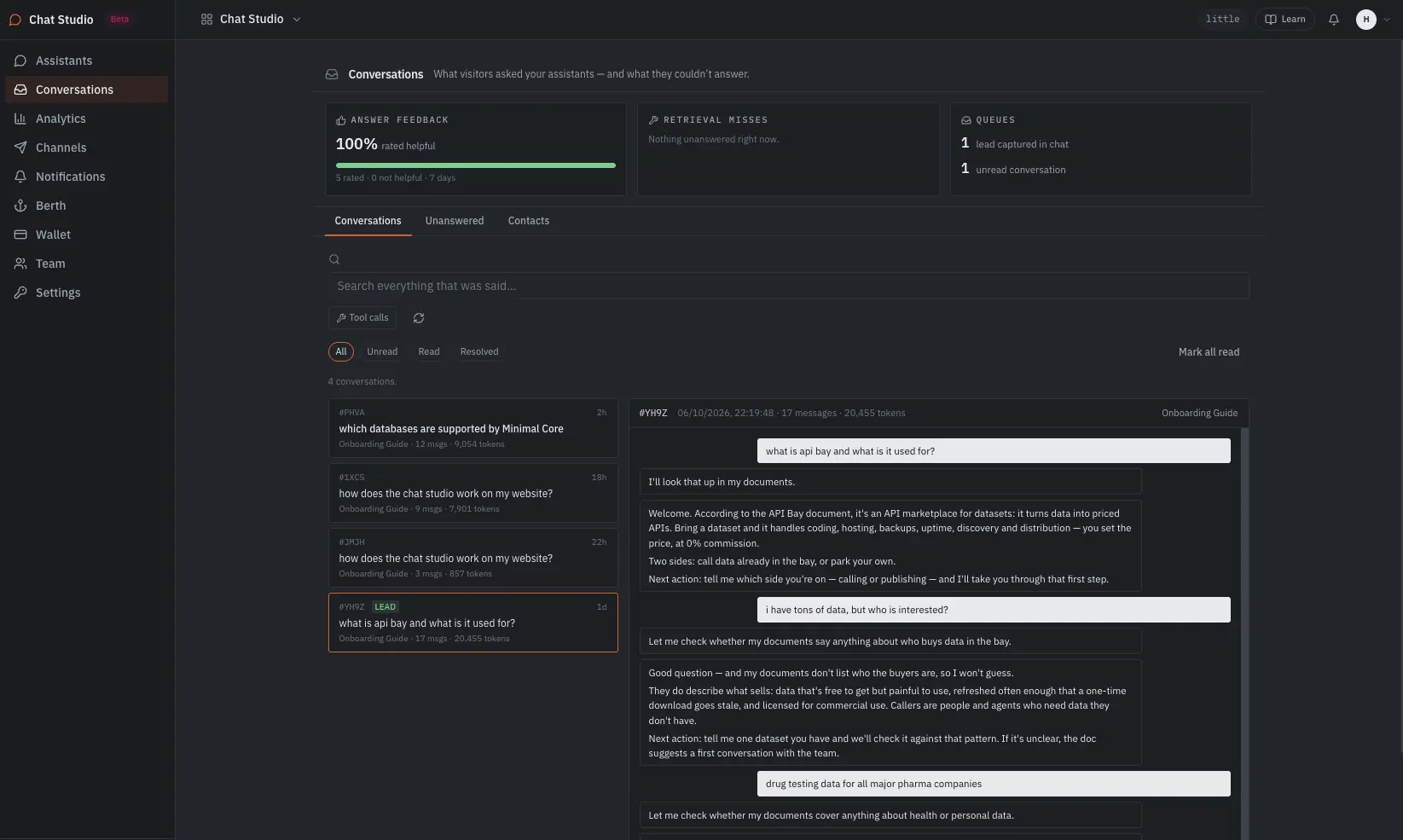
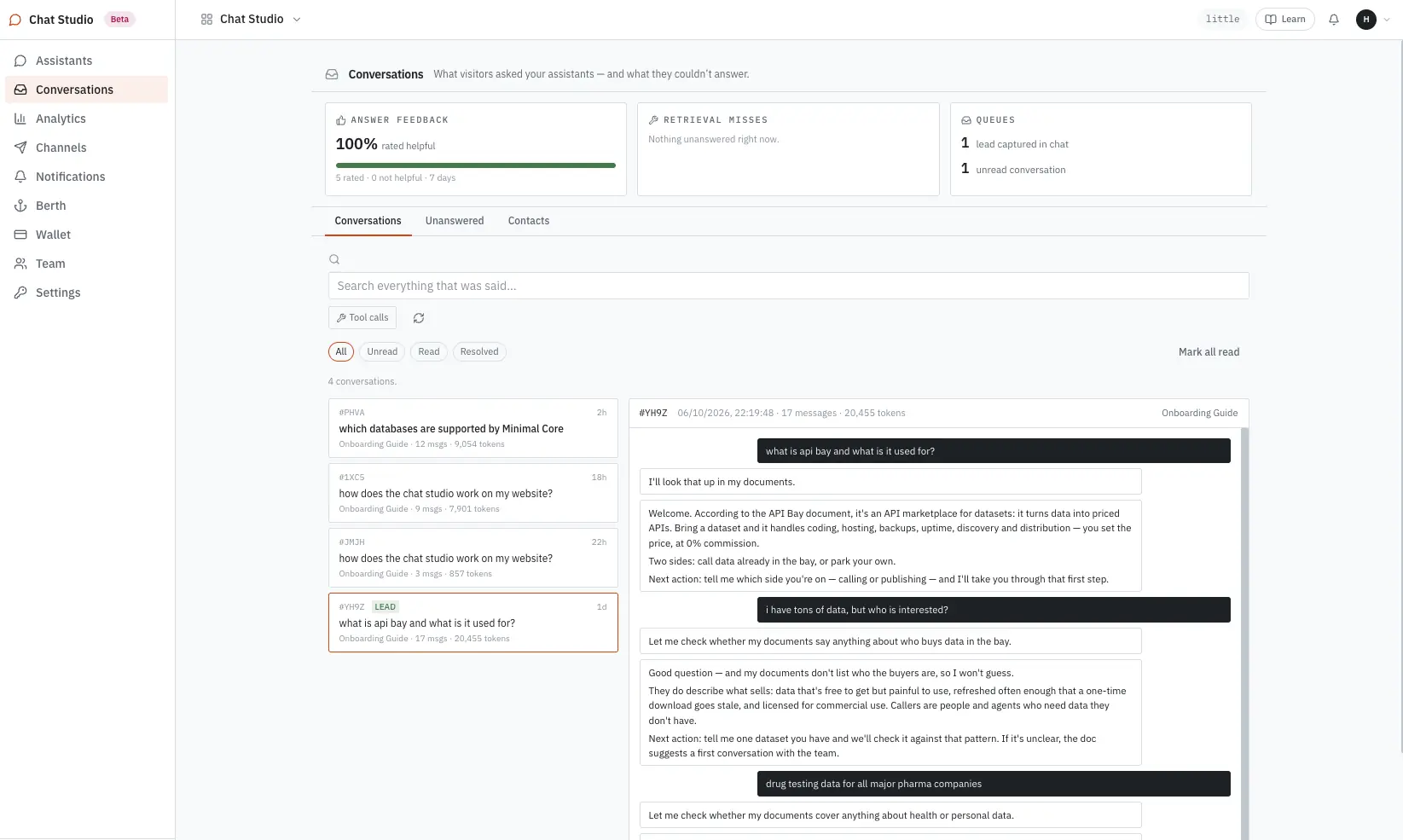
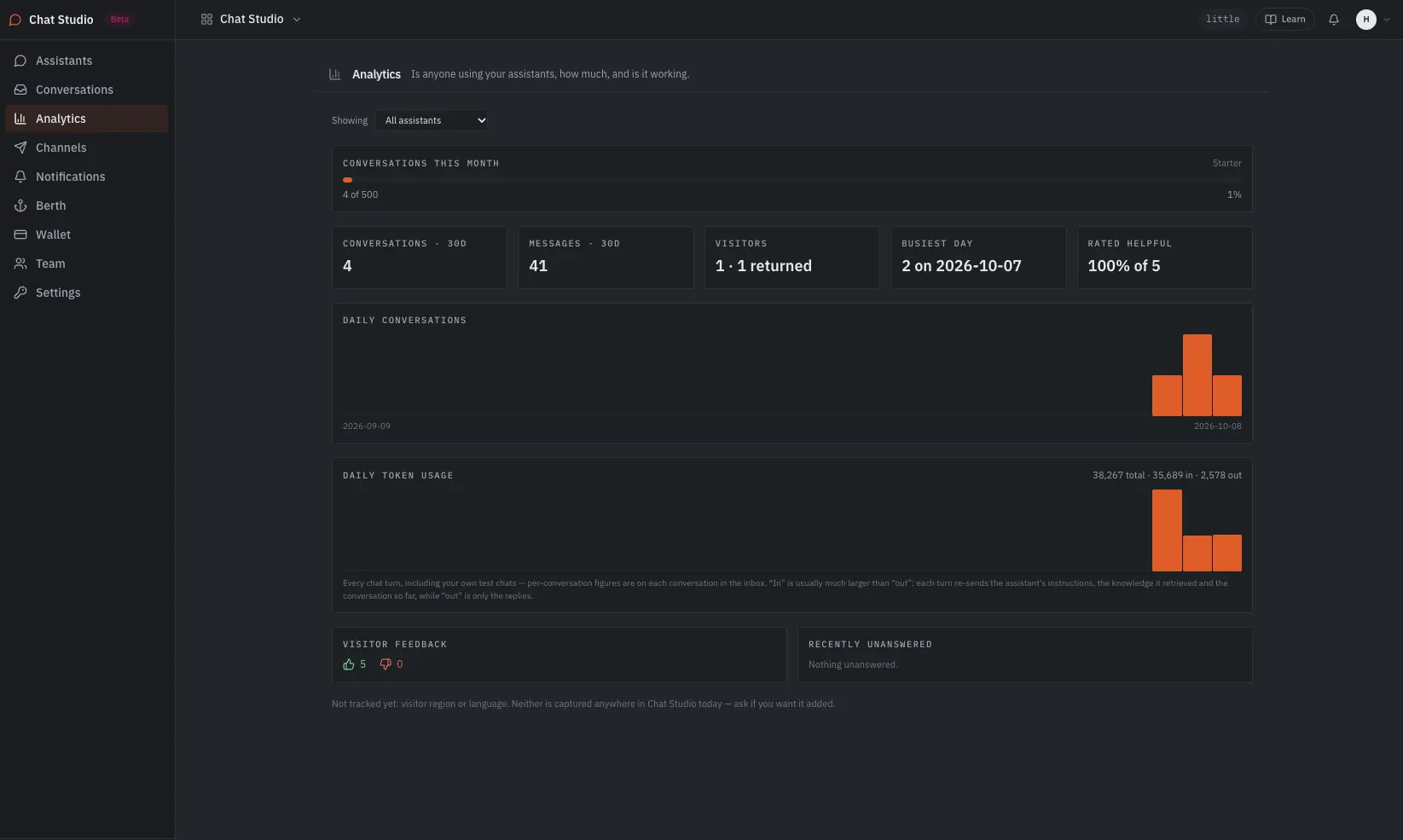
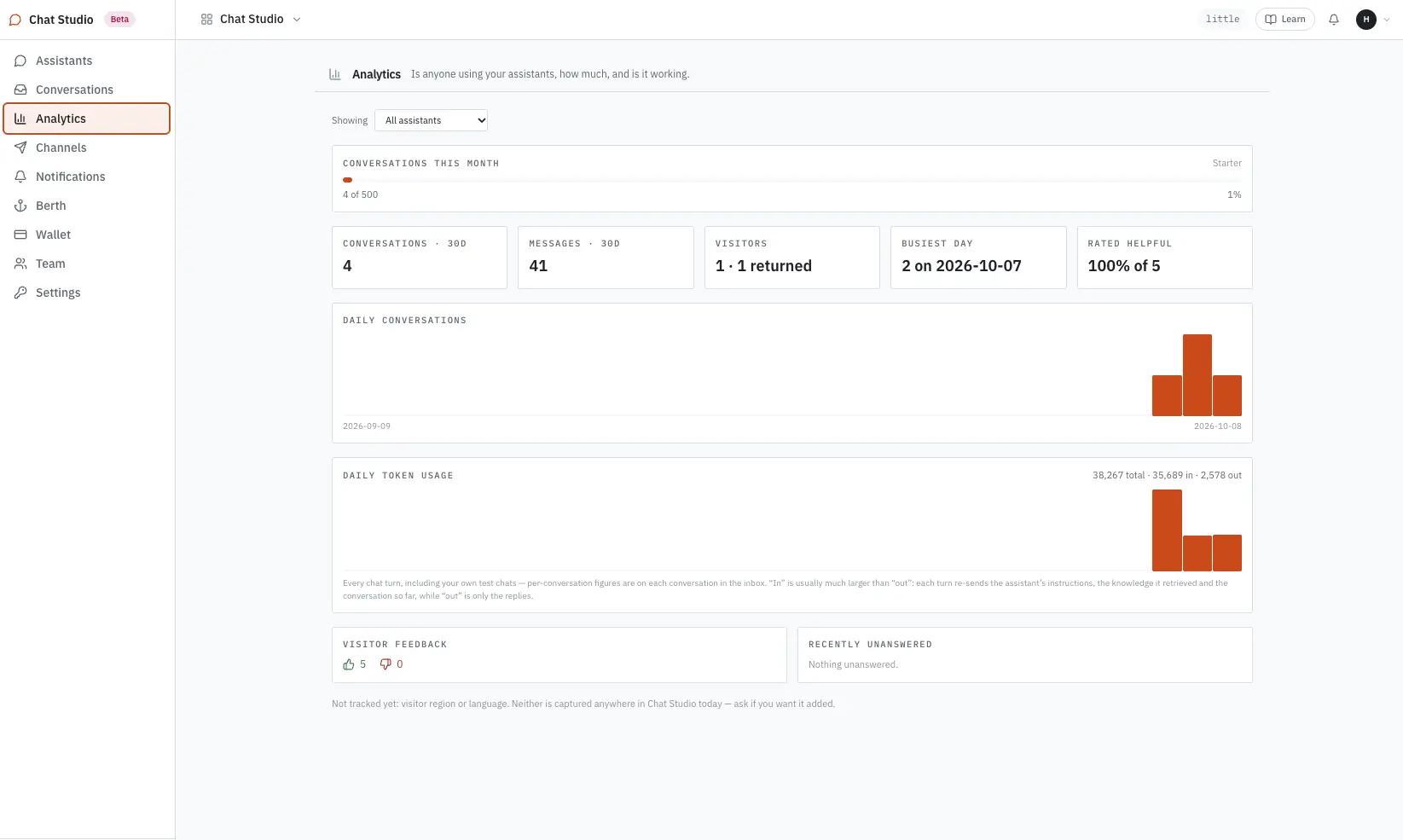
Every conversation is searchable, tool calls included. Questions the assistant could not answer from your knowledge are listed as misses, and a lead captured in chat lands in a queue, so the gaps in your documents show up as a to-do list.
Compared · Chatbase & Intercom Fin
Chatbase and Intercom Fin are the two products people evaluating Chat Studio ask about most. Both are real, capable products — the difference is mechanism: what you're billed for, and whether the model itself is something we resell to you. Figures below are each vendor's own publicly listed pricing, checked September 2026; both change pricing during the year, so verify directly before you decide.
| Chatbase | Chat Studio | Intercom Fin | |
|---|---|---|---|
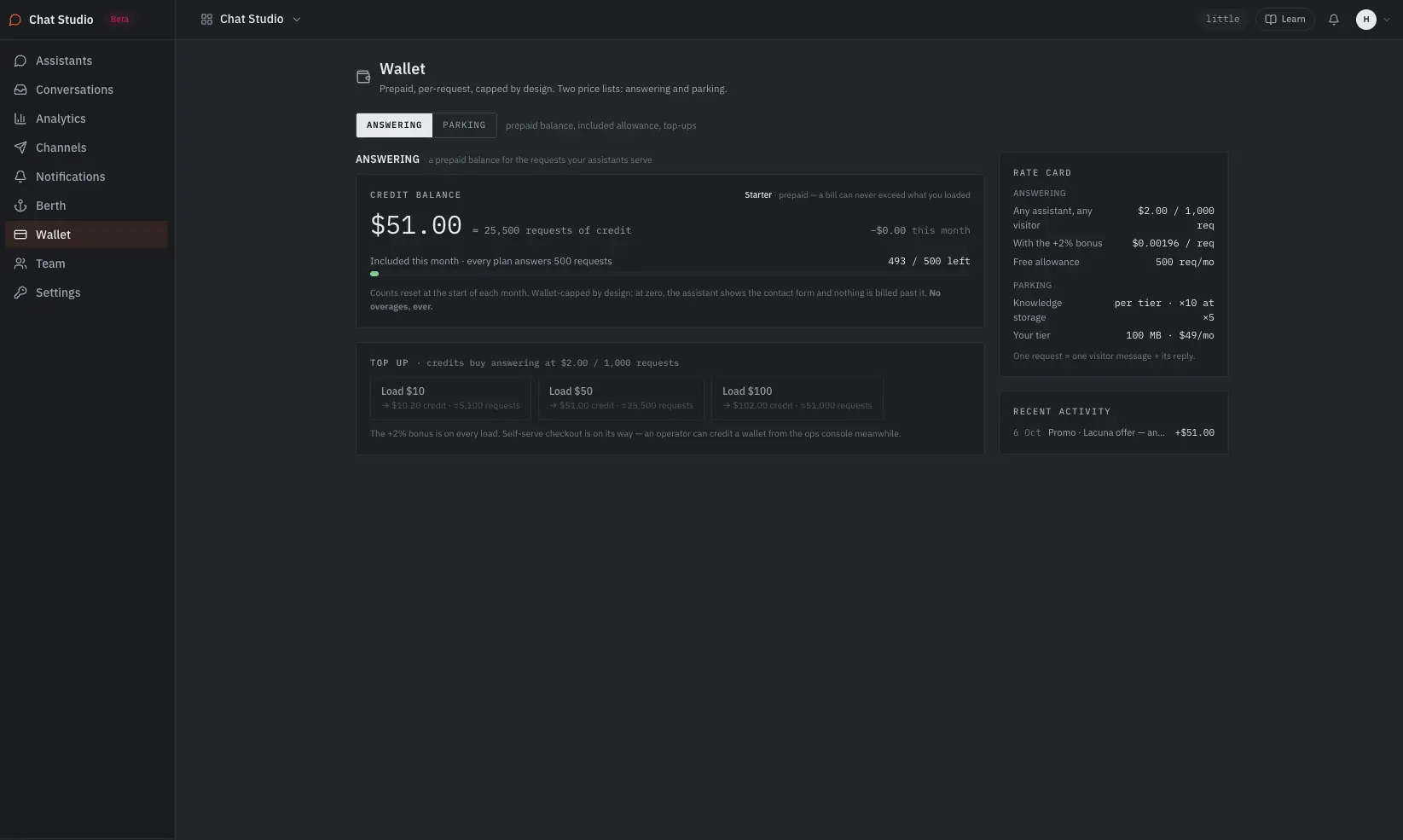
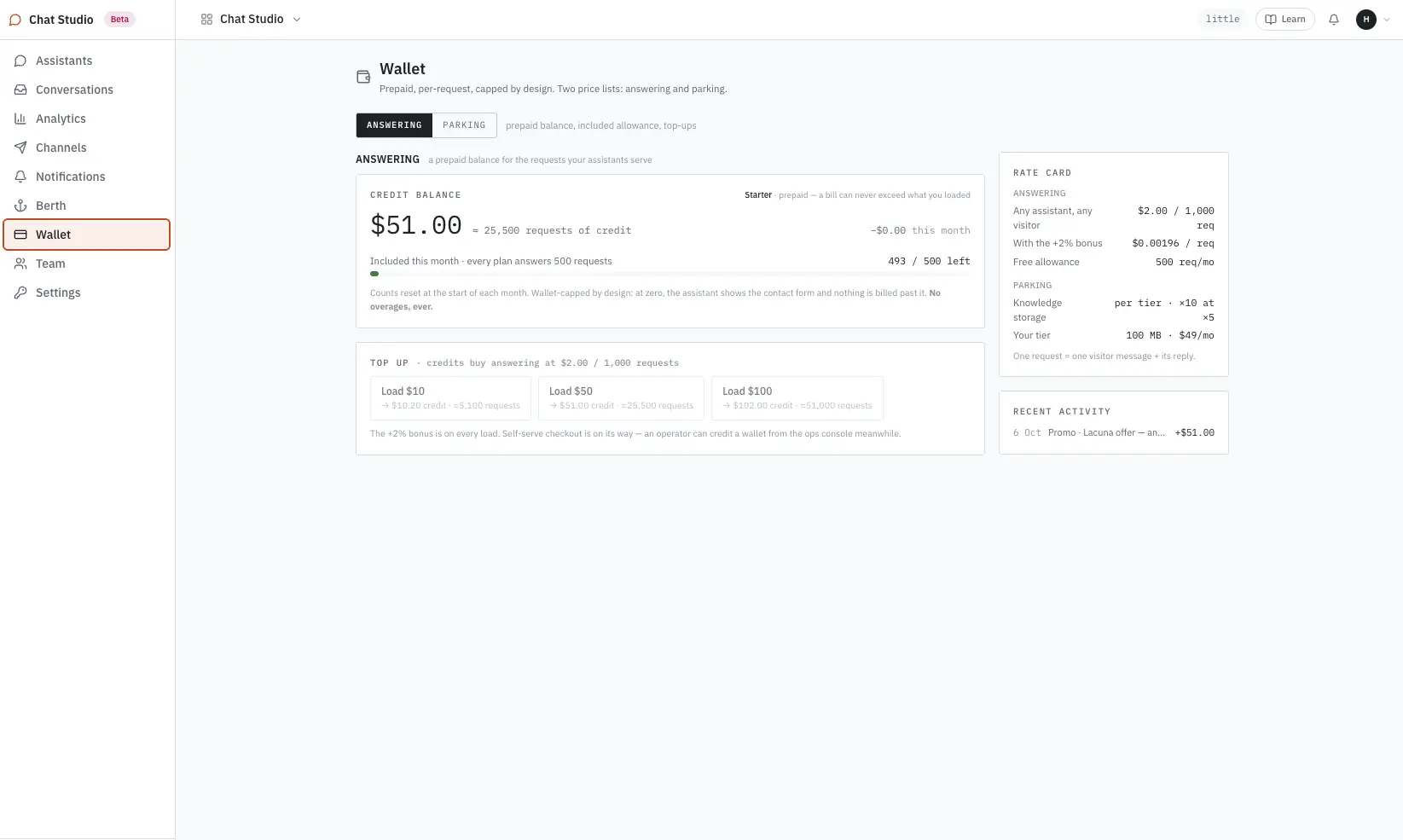
| Pricing mechanism | Message credits by plan tier, $40–$500/mo — credit cost changes with the model you pick | Knowledge storage by plan, plus requests answered from a prepaid balance at 500 per $1 | $0.99 per resolved conversation, on top of a seat-priced Intercom plan |
| Bring your own model key | No — usage always runs on Chatbase's own credit system | Yes, and it is required on every tier — Claude, OpenAI, Gemini, or open models via OpenCode GO | No — runs on Intercom/Fin's own models only |
| Free tier | $0 — 50 message credits/mo, 1 agent, 400 KB training data | $0, no card — 1 assistant, all ten personas. Free covers our side of the infrastructure, within limits; you bring your own model key. | No free tier — a 14-day trial, then billed per resolution |
| Answers from | Trained data, plus optional connected actions (bookings, order lookups) through integrations | Only what you give it — your pages and documents; Minimal-served data from December 2026. Says so when the answer isn't there. | Your help center and connected help-desk data, with human handoff below a confidence threshold |
| Persona breadth | Support-first; additional agents configured separately | Ten at launch — support, sales, docs, onboarding, HR | Support-first, built into Intercom's own inbox |
| Where it runs | Embed widget, plus native integrations (Zendesk, Salesforce, Shopify, Slack, WhatsApp, and more) | One line of code, on any page you control | Native to Intercom's messenger; bolts onto Zendesk, Salesforce, HubSpot, Freshworks or Zoho at the same per-resolution rate |
| Beyond the sticker price | Branding removal (~$99/mo), extra agents, auto-recharge credits | Nothing from us beyond the plan price and the per-request meter. Your AI provider bills model usage at the provider’s own price. | An underlying Intercom seat plan (Essential, Advanced or Expert) is required |
Chatbase ships native integrations to Zendesk, Salesforce, Shopify, Slack and WhatsApp; Chat Studio embeds on any page you control but doesn't connect to a help desk yet. Answering from Minimal-served data is in private use and opens publicly in December 2026. Intercom Fin publishes real resolution-rate case studies from its customers; our own usage numbers will appear here once we have them. Chat Studio is in beta.
The plan price and the per-request meter are the only things we charge. Model usage runs on your own key, at provider prices, billed by your provider — the two stay separate, so every line on the invoice is readable.
Put one on your site with one line of code.
Build the assistant on our hosted setup, test it in the preview against a real question, and paste one line into your page. Or book a session and we build it with you.
Next on the shelf
Ask ClickHouse or Postgres in plain English; the answer is a dashboard that keeps answering as the data moves.
Drop a file; we code, host, back up and serve the endpoints. You set the price and keep all of it.
One assistant, all ten personas, and your own model key.